
How it works
Customer, lines, preview, send.
The same short path for an estimate or an invoice, then collect payment when the work is done.
Step 1
Start the document
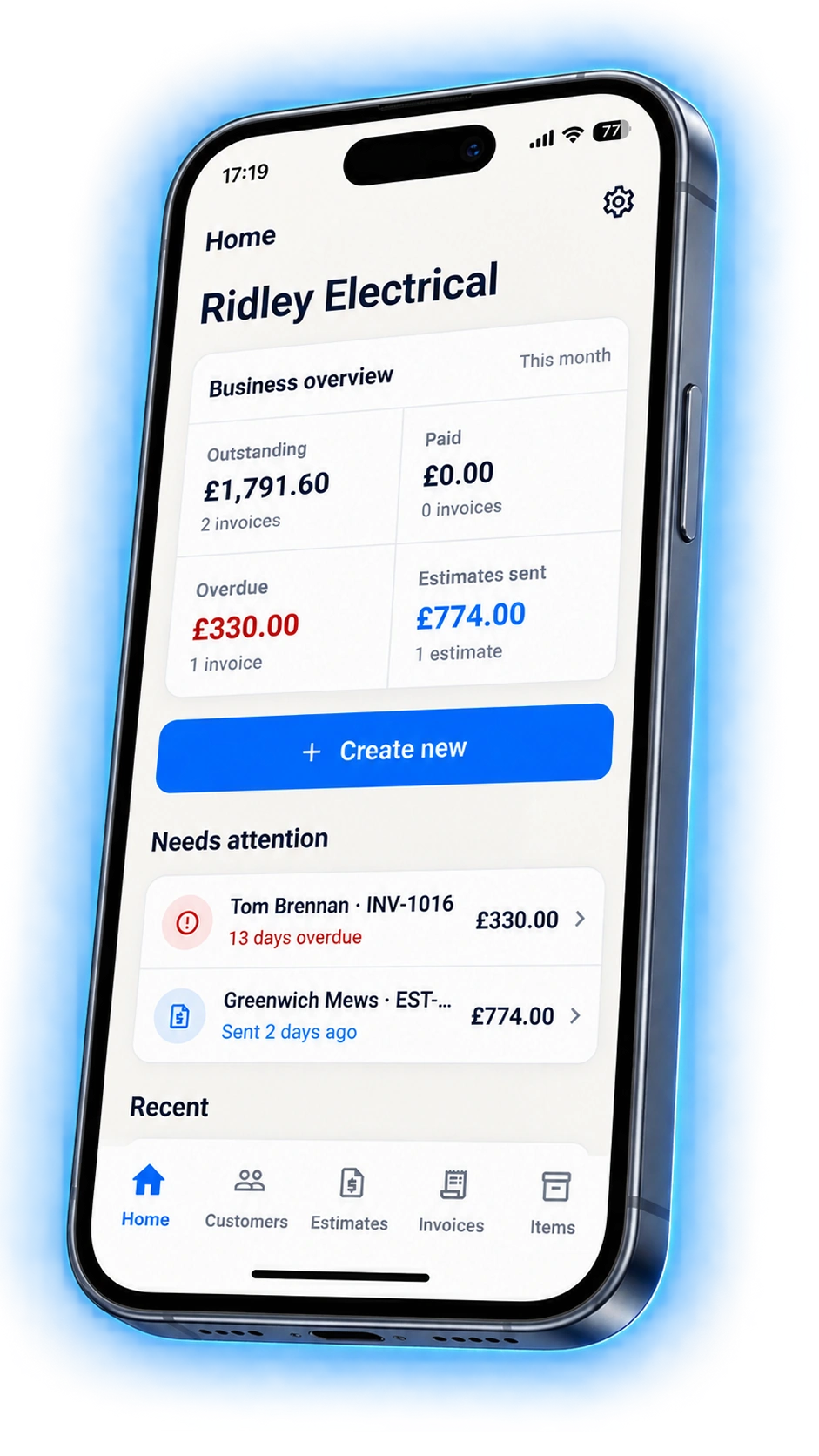
Tap Create new on Home and choose an estimate or an invoice. Home also shows what is outstanding and what needs attention first.
Step 2
Pick the customer
Choose someone you have worked for and their details fill in, or add a new name. Their record keeps every document you have sent them.

Step 3
Add the work
Pull priced labour and materials from your items list, or type a one-off line. Tax and totals update at the bottom as you go.

Step 4
Preview and send
Check the PDF, then email it. The customer opens it from the email or the public link without signing up for anything.

Step 5
Get paid
Share a card payment link or QR code on a sent invoice, or mark it paid when the money arrives another way. Send a reminder if it goes quiet.

Questions
Can I do all this on the website?
No. Creating documents happens in the mobile app. This website is information, support, and the public pages your customers open to view or pay a document.
How long does the first send take?
Once a customer and a few items are saved, a repeat estimate is customer, lines, preview, send. The first one takes longer because you are saving the details as you go.
Does my customer need the app?
No. They receive an email with the PDF and a public link. They can view, accept an estimate, or pay an invoice without an account.
Related
Get VanlyGo on your phone
The website is for information, support, and customer estimate or invoice links. Work happens in the app.


VanlyGo Pro · £5.99/month or £49.99/year